

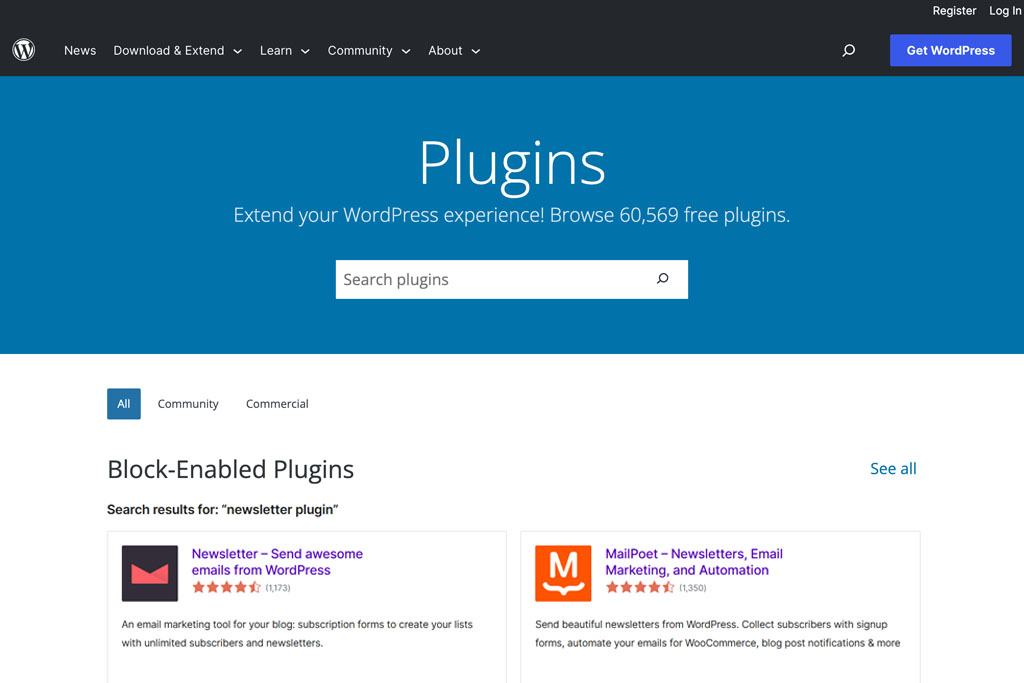
Email marketing is an excellent way to improve your conversion rates. You can inform website visitors about news and promotions by sending them regular newsletters.
Not only do you need to send regular emails to your subscribers, but they must also present relevant information to the recipient. In this case, having a WordPress newsletter plugin is very handy for optimizing your email campaign.
It can automate newsletter sending and help segment your audience alongside other features. To simplify your decision process, we have tested several newsletter plugins for WordPress to recommend only the best tools in the market.
Top 7 WordPress Newsletter Plugins
- Sender
- Newsletter
- Omnisend
- Jackmail
- MailPoet
- Mailster
- weMail
Why Do You Need a Newsletter Plugin?
Email marketing is the practice of sending emails to prospects and customers. Typically, these emails contain sales promotions, a new blog post, or other relevant information you have to offer.
An email newsletter can also be a way to ask for feedback and build customer trust.
Other reasons why email marketing is essential for your business include:
- Nurturing leads.
- Boosting customer loyalty.
- High return on investment (ROI).
However, having a WordPress newsletter management plugin will greatly improve your email marketing strategy as well as SEO.
Newsletter plugins allow you to create and send newsletters directly from your WordPress dashboard. Others focus on building eye-catching forms and pop-ups to attract more visitors and grow and manage your mailing list.
Since you will need two types of plugins to develop an effective email marketing campaign, our list includes WordPress newsletter and email subscription plugins.
Top 7 WordPress Newsletter Plugins
Newsletter plugins are dedicated to managing your emails and sending them to your subscribers.
Different from subscription plugins, they don’t provide templates or editing tools to design pop-ups and forms.
Integrating powerful built-ins like automation and analytics, here are the best WordPress newsletter plugins.
1. Sender

- Downloads: 1,000+
- Rating: 4.3/5
- Notable features: drag-and-drop email builder, editable email templates, email and SMS broadcasts, automation
- Price: free Forever plan for up to 2500 subscribers, paid plans start at $8
2. Newsletter

- Downloads: 300,000+
- Rating: 4.6/5
- Notable features: extensive SMTP support, email delivery speed, and unlimited newsletters
- Price: freemium
3. Omnisend

- Downloads: 7,000+
- Rating: 4.9/5
- Notable features: advanced automation, multi-channel marketing, abandoned cart recovery
- Price: freemium
4. Jackmail

- Downloads: 2,000+
- Rating: 4.4/5
- Notable features: built-in SMTP server, integrates well with other plugins
- Price: from $69/month
5. MailPoet

- Downloads: 100,000+
- Rating: 4.6/5
- Notable features: automatic notification emails, newsletter templates
- Price: freemium
6. Mailster

- Downloads: 24,000+
- Rating: 4.6/5
- Notable features: autoresponder, real-time analytics, unlimited subscribers
- Price: $69/license
7. weMail

- Downloads: 10,000+
- Rating: 4.2
- Notable Features: drag-and-drop email template builder, automation, analytics, form-builder, and integration with popular SMTP
- Price: freemium
What Makes a Great Newsletter Plugin?
Picking the right newsletter plugin, especially if you’re a beginner, can seem quite overwhelming at first.
To ease your search, here are the most important features you need to look out for when choosing a WordPress newsletter plugin:
In-depth analytics. Gaining insights into your email marketing campaigns will help you segment your subscribers and provide content that better aligns with their preferences.
Ease of use. The plugin’s interface is easy to navigate whether you’re a beginner or a full-time developer.
Reliable sending service. Ensure that the plugin has an SMTP server or third-party integrations with other SMTP plugins to improve email deliverability.
Target-specific list management. Segment your list and target subscribers with campaigns that cater to their interests.
Flexible customization. The plugin should provide the essential design tools that would allow you to match your brand and products’ overall look.
Automation features. Some plugins allow you to automatically send emails and perform other automated tasks, saving time and boosting productivity.


1 Comment
vn88xx01
I have been a loyal member for over six months and the consistency here is unmatched. The slot collection is massive and the live dealer tables run flawlessly on mobile. Every payout reaches my wallet quickly and the team handles any inquiries with care. vn88xx01